Login

Select the account “setup” and enter the password provided in the getting starting document you were provided.
Configure account
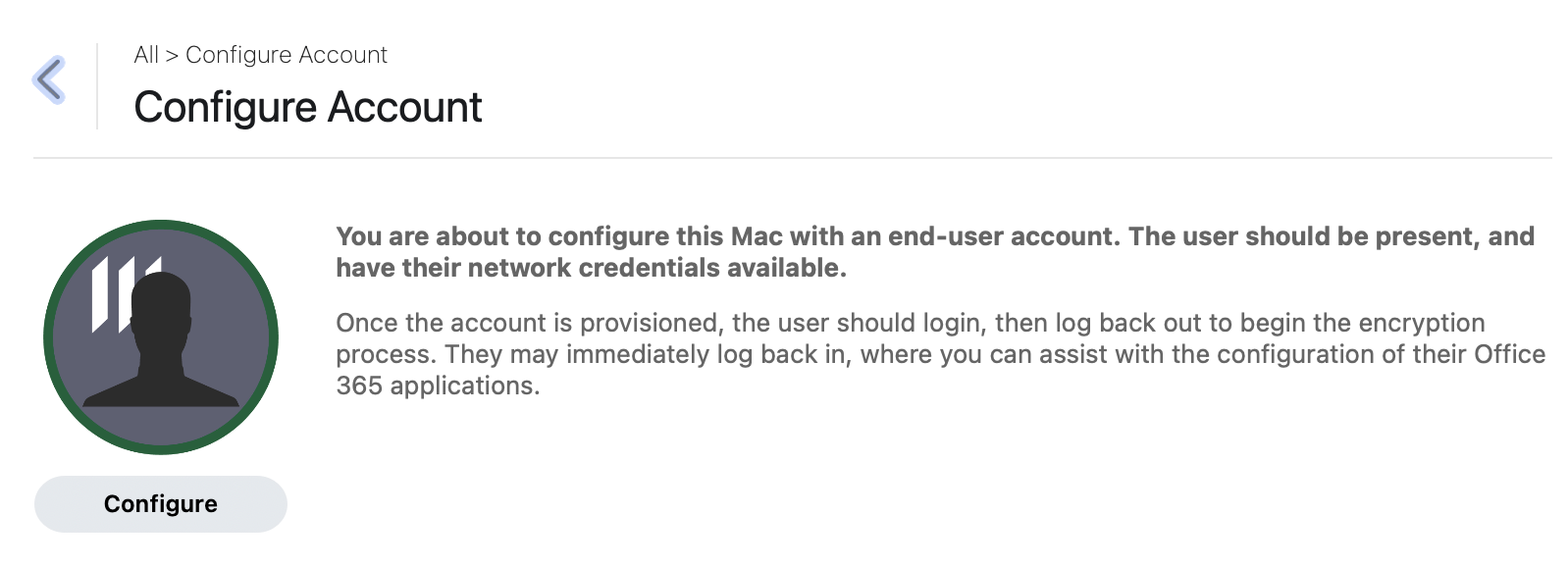
Open Manulife Self Service.
a) If you are a remote user, select
Cisco Secure VPN
and click
Install.
Open
Cisco Secure Client
and
connect to VPN.
Proceed to Part b. If you are not a remote user, skip Part a.
b) Select Configure Account and on the expanded description, click Configure.
Enterprise connect
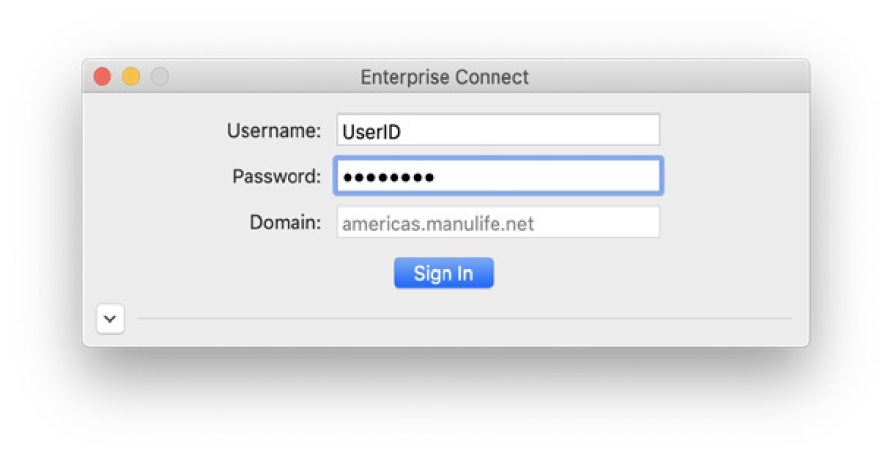
Enter your UserID and Password in the dialog window. If you are prompted to change your password during this step, please do so.
Manulife Account Creation Tool
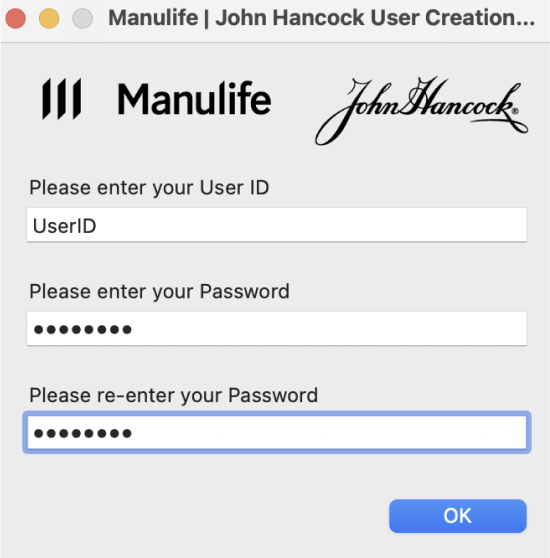
The Manulife Account Creation Tool popup window should appear, please enter your UserID and password again to start the provisioning process.
Sit back and relax
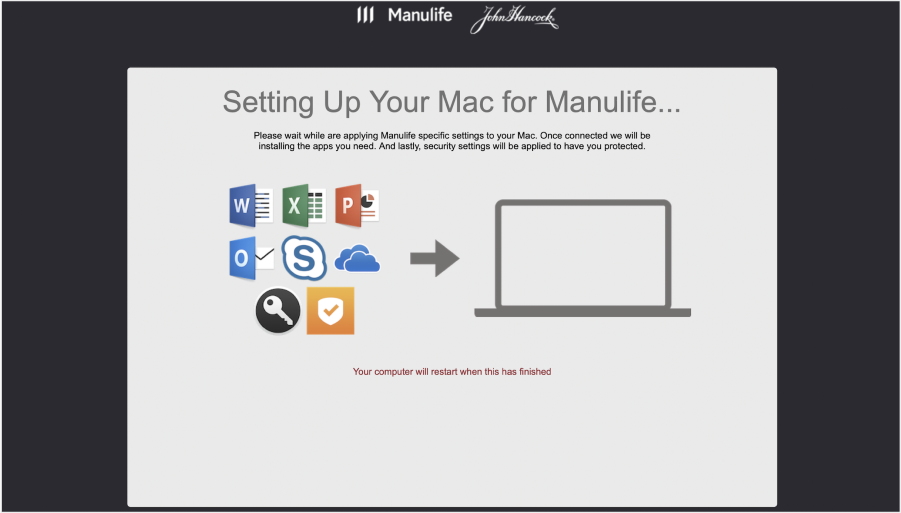
Applications will install, a status screen will open and your computer will reboot. During this time, your account will be provisioned. Once complete, a technician can assist you in configuring your applications.